

Subscriptions & Billing
Review your current plan, billing cycle and usage from the organisation dashboard.
Subscriptions shows the plan attached to your organisation and how it is billed.
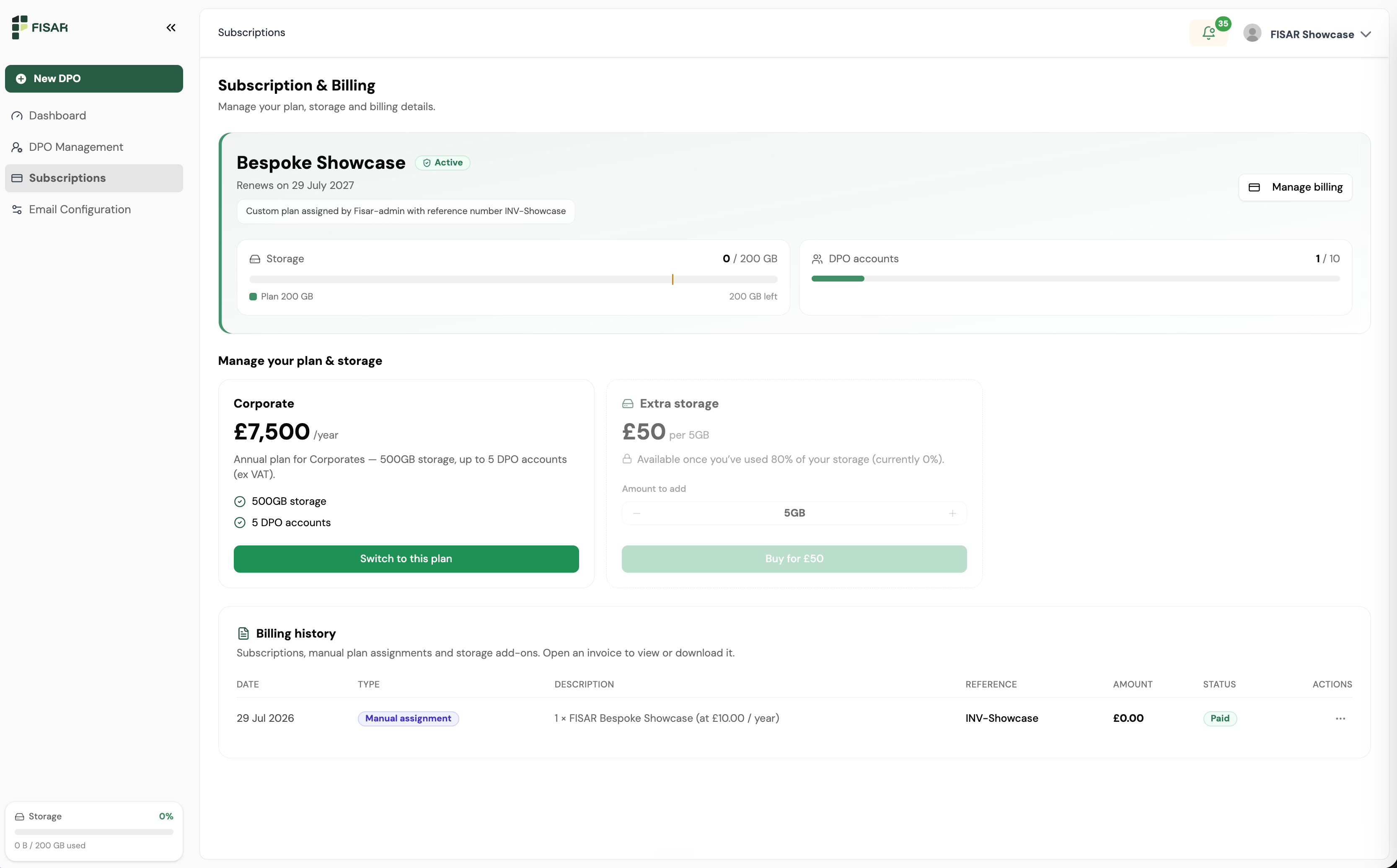
What you will see
- Your active plan and its billing cycle - for example yearly billing
- Storage allocation and how much of it you have used
- Billing contact details
Storage usage is also shown at the foot of the left-hand menu on every screen, so you can keep an eye on it without leaving your current page.
Plans are configured by Fisar during onboarding, including any bespoke arrangement. To change your plan, add capacity or update billing contacts, contact Fisar at info@fisar.co.uk.
Purchase orders and VAT
Purchase order numbers and VAT registration details are captured during onboarding and applied to your invoices. If either changes, let Fisar know so billing records stay accurate - see the Onboarding for the details held.
Was this page helpful?